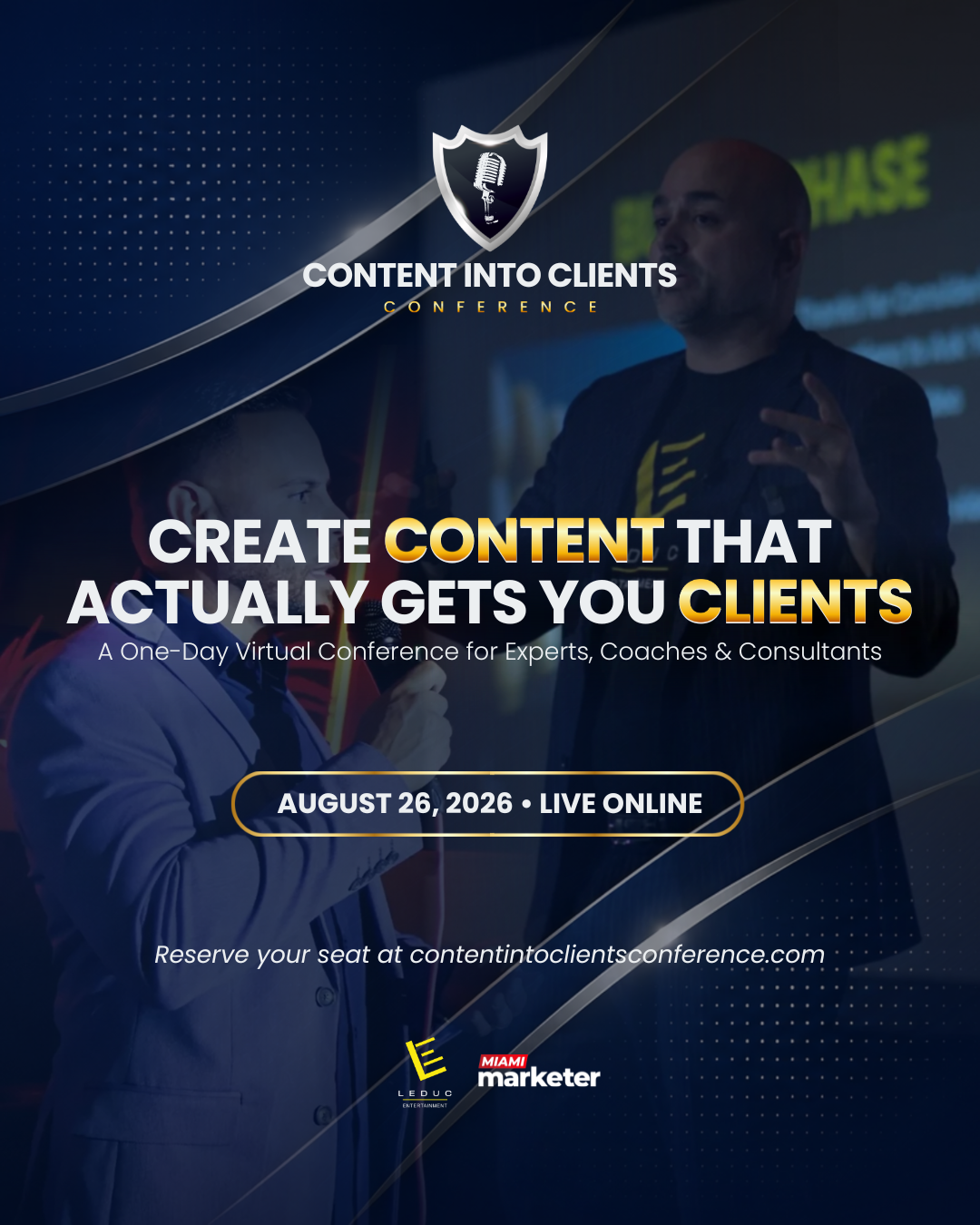
Campaign Graphic 01
Approved 1080 × 1350 social media graphic.
Download PNG Event Site
Conference Workspace
Your conference tools and real event data load after sign-in.
Manage the public speaker roster, connect login emails, invite speakers, and open a speaker’s portal view when you need to help them.

Speaker Detail
Choose someone from the roster to edit their login email, open their public profile, or preview their portal.
Select a speaker to copy or open their tracked invite link. Export Links CSV downloads every speaker link and its current results.
Use this for people who are not speaking but want an expo booth, a tracked invite link, and registration attribution.
Every expo partner should drive at least 25 registrations with their invite link.
Top vendors can push like speakers and compete for leaderboard placement.
Vendor links track visitors, signups, verified signups, and milestone progress.
Booth-only vendors get their own referral link and milestones, but they stay out of the public speaker section.
Complete these items so the team has everything needed for the website, agenda, and expo booth.
This updates the speaker record that feeds the Content Into Clients website. Talk title changes from speakers stay pending until staff approval.
Use this link in emails, social posts, DMs, podcasts, and partner messages. Every signup from this URL can be tracked back to you.
Your link is system-generated from your first and last name. It is not editable.
Promotion goal: bring at least 25 verified registrations. The stretch target is 150.
Referral link appears after login
Starter
Share your link to start tracking visits and registrations.
Send your link to people who already use content, expertise, or relationships to grow, but want that attention to turn into better clients.
Shared event goal: 1,000 verified signups. Every speaker and expo partner invite link helps the whole conference get there.
Coaches, consultants, experts, agency owners, speakers, creators, and service providers who sell knowledge, advice, transformation, or professional services.
More qualified leads, a stronger personal brand, better authority, clearer offers, repeatable content, and conversations that turn into clients.
They get expert sessions plus live speed networking, so they can learn, meet collaborators, and leave with real next-step relationships.
Once your session is assigned, the time and room details will appear here.
Add your proposed title and short description below.
PendingThe team is still assigning this session.
PendingThe schedule is read-only for speakers. Your assigned session is highlighted, and title changes must be approved by conference staff before they publish.
No title requests have been submitted.
Each saved row feeds the public agenda on the front page. CSV import and export use RingCentral's exact 12-column schedule template.
Agenda changes publish to the front website after save. Refresh the public page to see the latest approved schedule.
Review every speaker booth first, then open the one that needs attention. This keeps booth setup organized for the team.
Booth Detail
Choose a speaker on the left to review their booth assets, offer, moderators, and links.
Build your booth in three short sections. Start with your brand, open the other sections when you are ready, and preview the booth at any time.
MM admins can create every account type. Leduc users can create Leduc users, speakers, and expo vendors.
For MM admins and Leduc users only. Speakers and vendors keep using OTP.
Staff updates will appear here after they are posted.
EmptyDirect messages from speakers and expo vendors will appear here for the event team.
Promotion Workspace
Follow the campaign, use the ready-to-send copy, and download the creative you need without digging through one long page.
Your Email Campaign
Eight emails, sent in a clear sequence. Each message uses your tracked invite link so you can see which emails earn clicks, registrations, and verified registrations.
Posting Plan
Know what to post, when to post it, and which event benefit to lead with.
Tell your audience you are speaking and why this event matters.
Lead with the value of meeting the right person live.
Share the problem your talk solves and who should attend.
Show where your session fits into the full day.
Share your invite link again and encourage live attendance.
Invite people to meet you live and claim your event-only resource.
Show what visitors can get and who it is designed to help.
Name the people who will get the most value from the event.
Invite attendees to visit your booth between sessions.
Post before the event and again before the lunch networking block.
Creative Library
Download any of the approved 1080 × 1350 conference graphics for Instagram, LinkedIn, or Facebook.
Approved 1080 × 1350 social media graphic.
Download PNG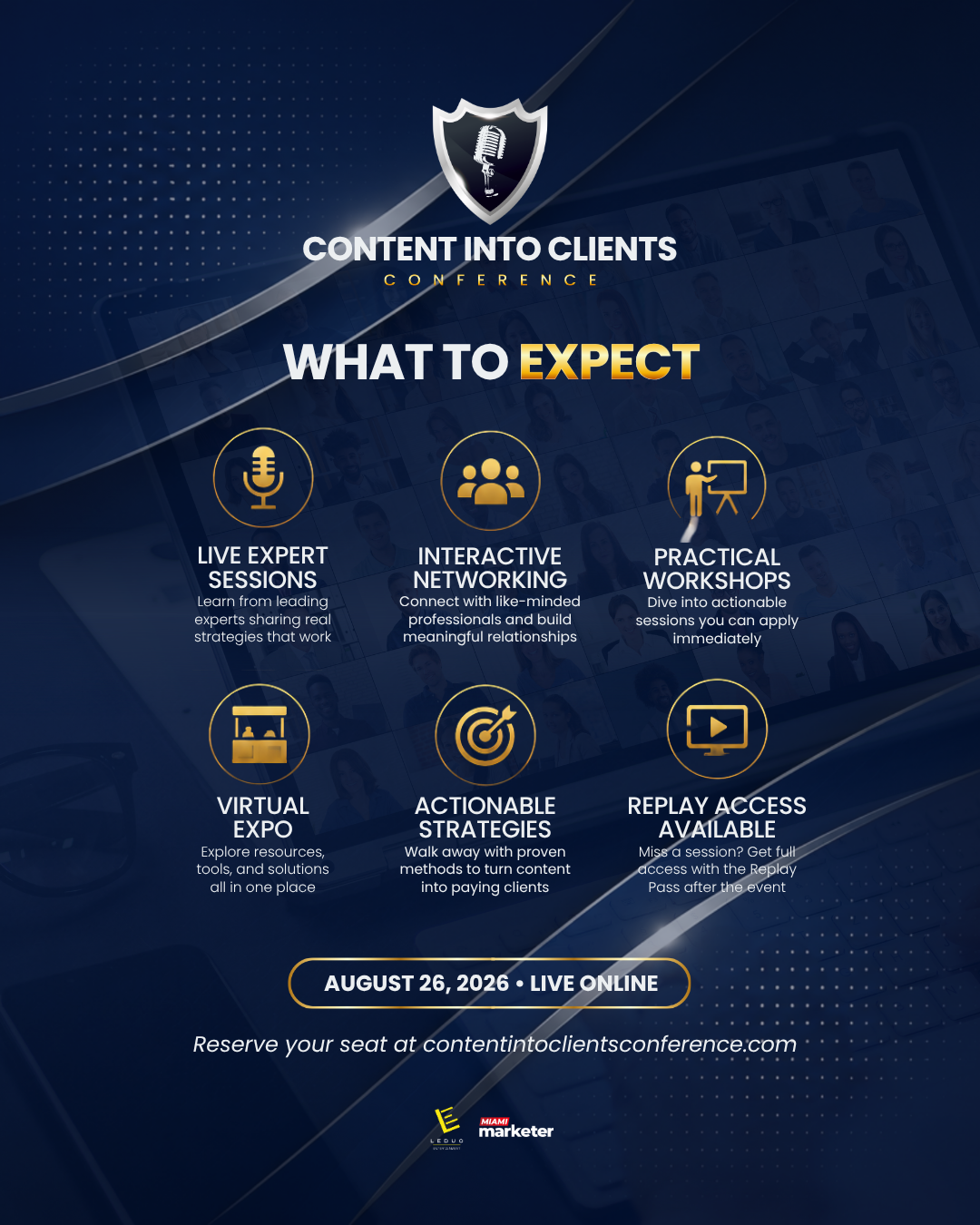
Approved 1080 × 1350 social media graphic.
Download PNG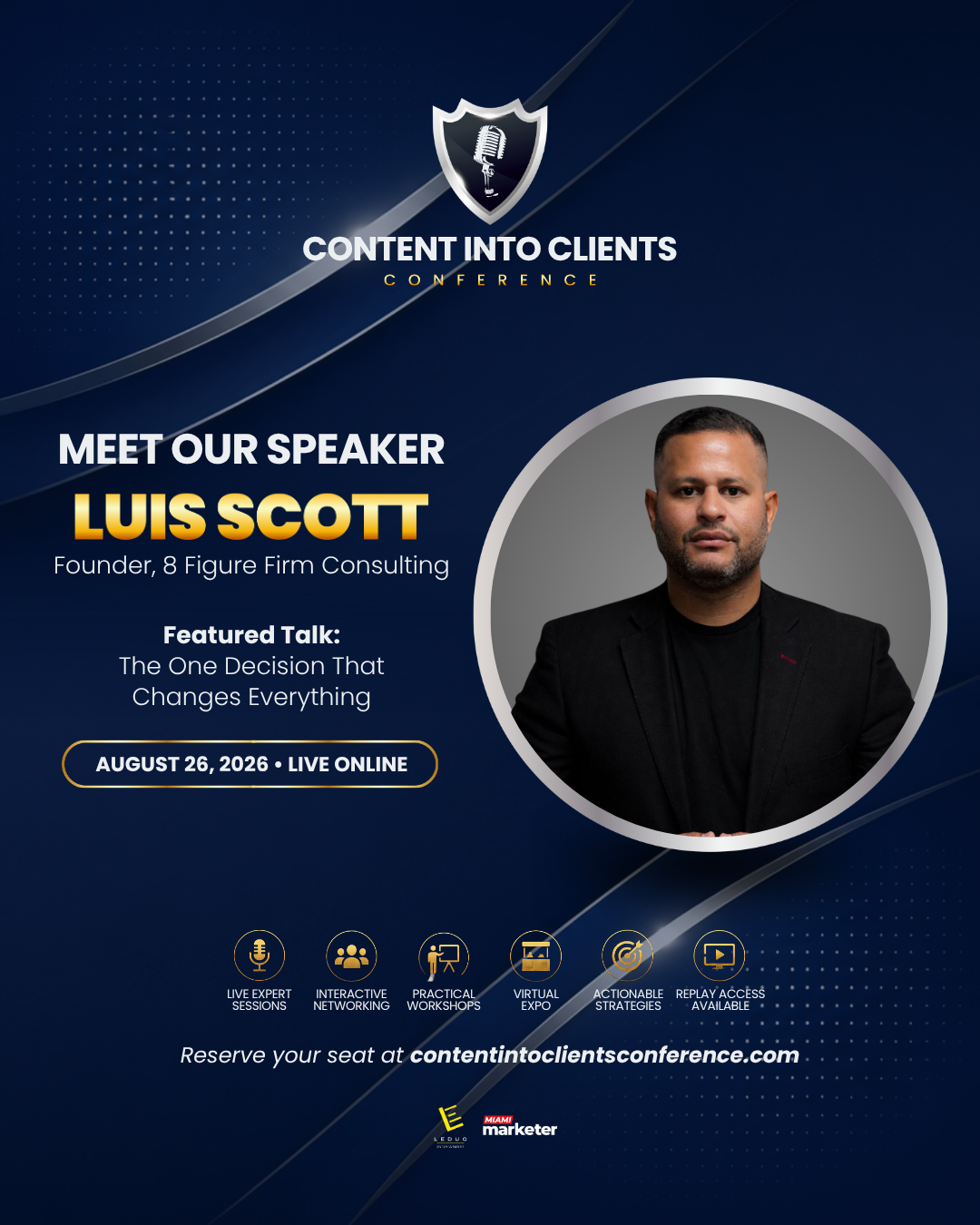
Approved 1080 × 1350 social media graphic.
Download PNG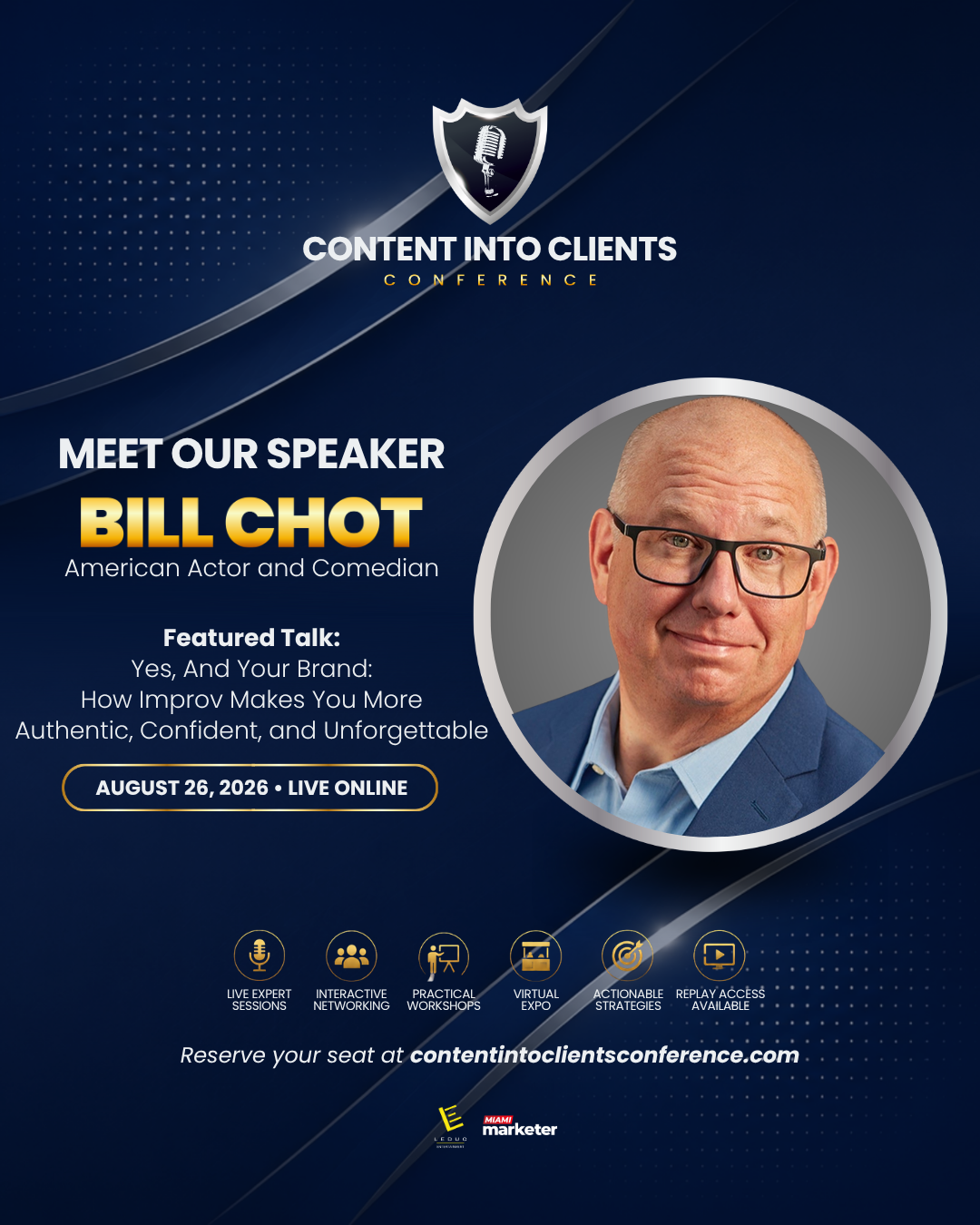
Approved 1080 × 1350 social media graphic.
Download PNG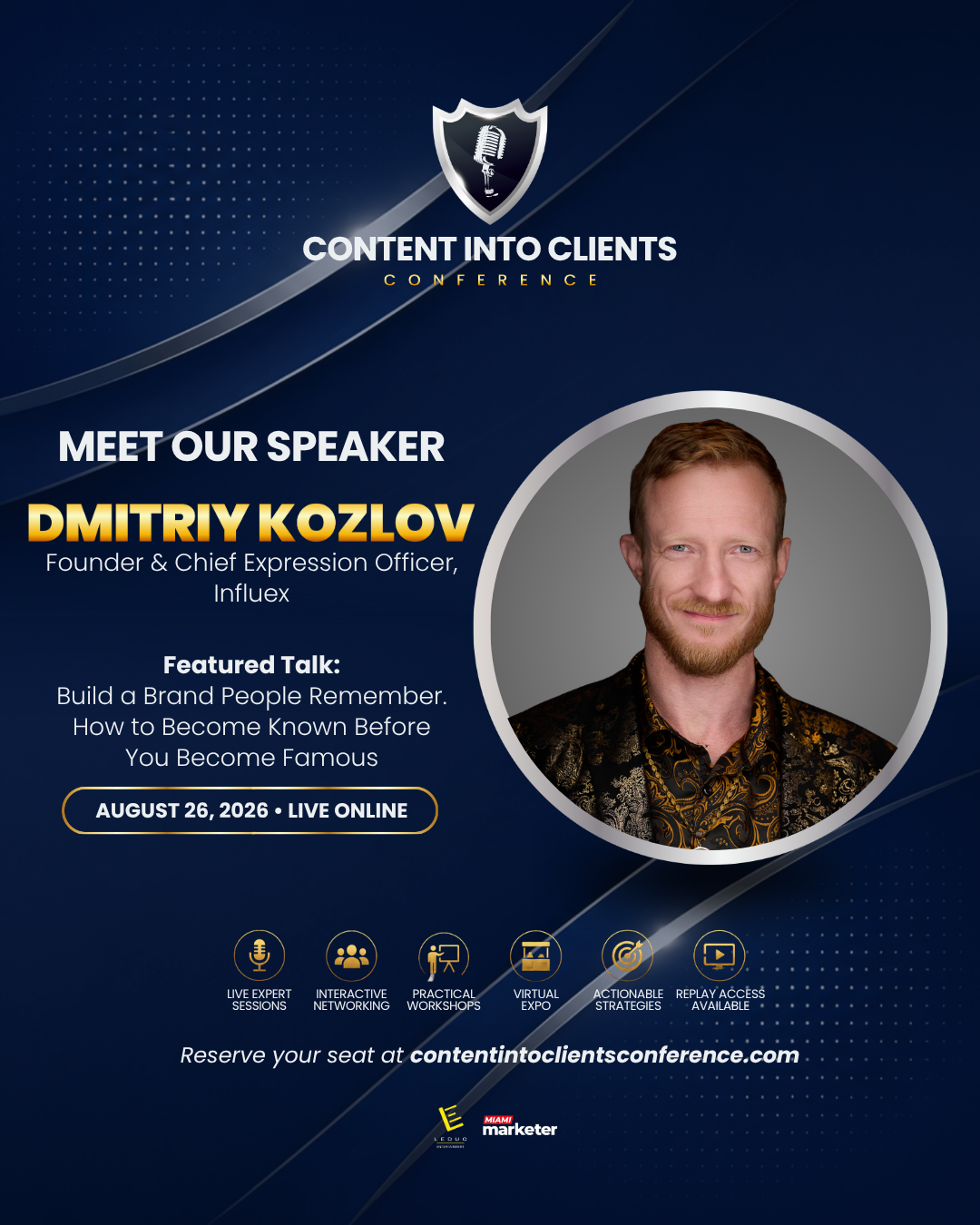
Approved 1080 × 1350 social media graphic.
Download PNG
Approved 1080 × 1350 social media graphic.
Download PNG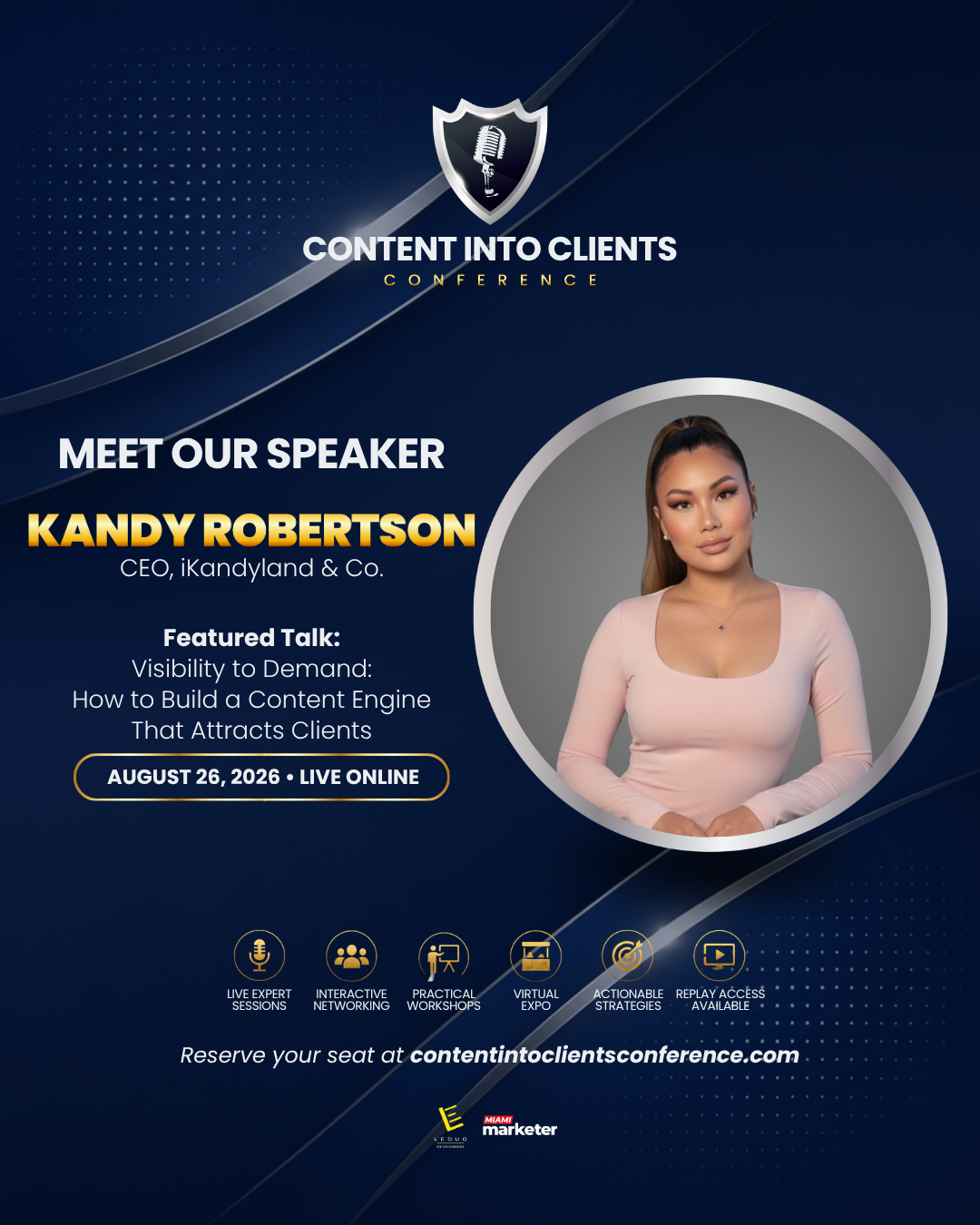
Approved 1080 × 1350 social media graphic.
Download PNG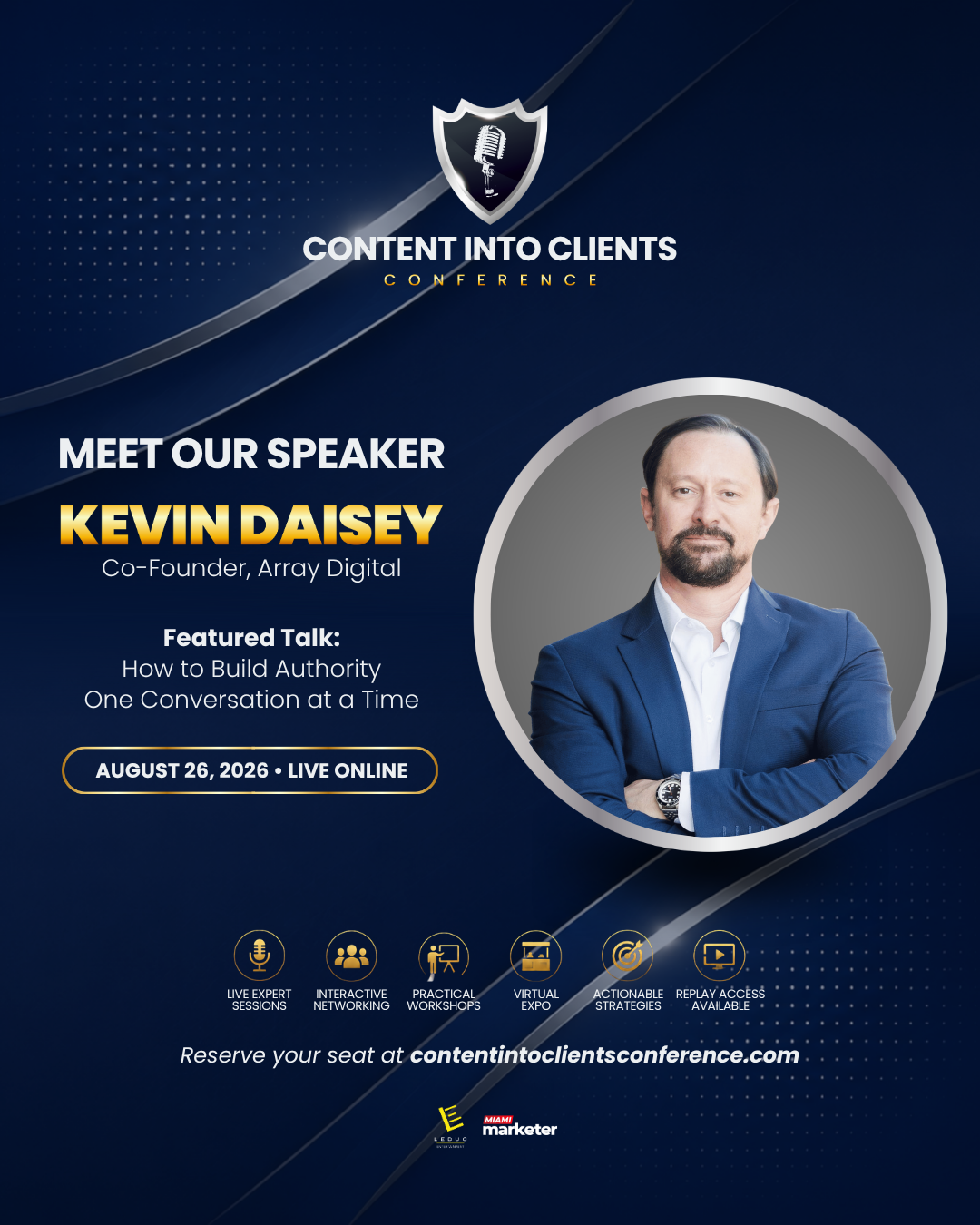
Approved 1080 × 1350 social media graphic.
Download PNG
Approved 1080 × 1350 social media graphic.
Download PNG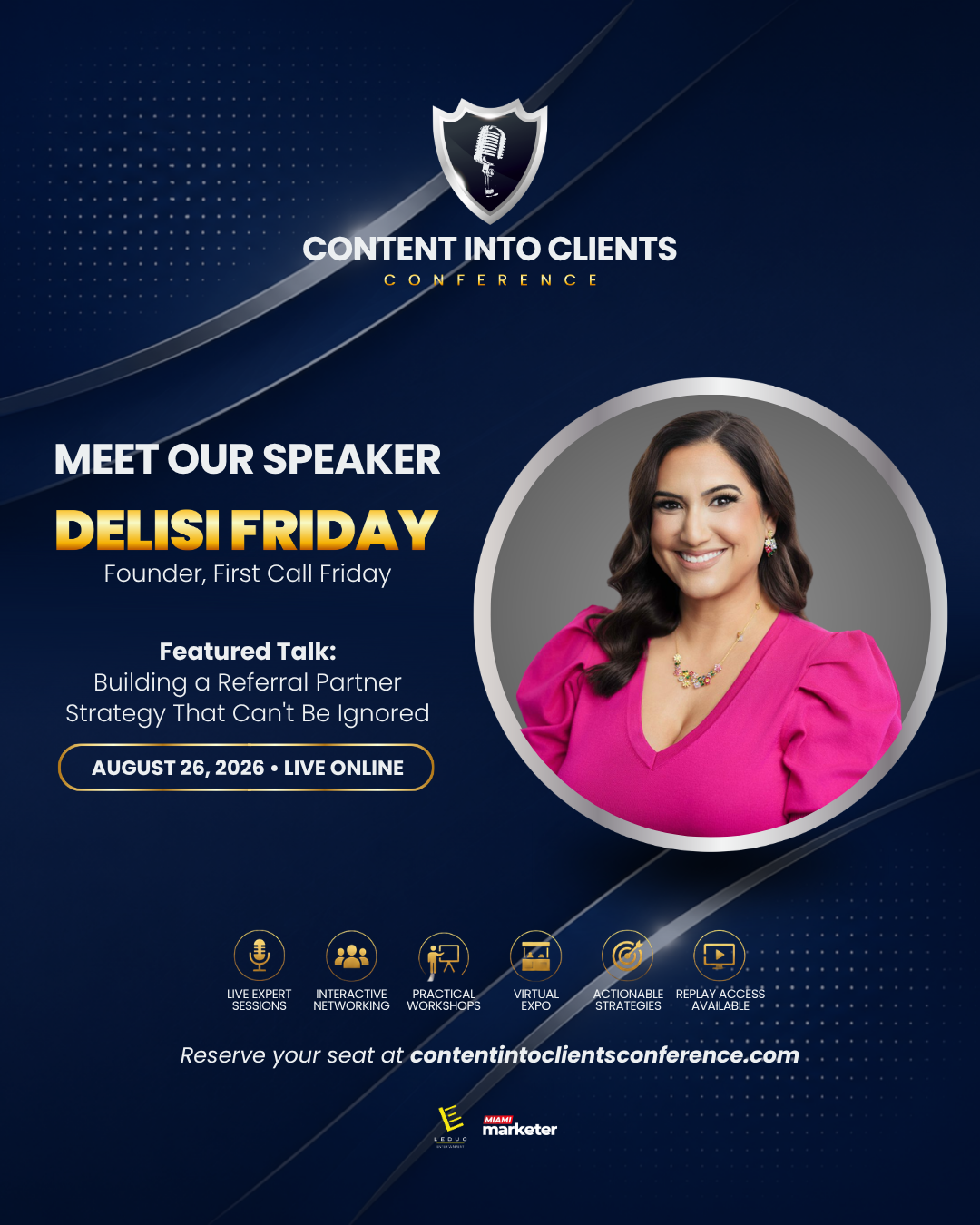
Approved 1080 × 1350 social media graphic.
Download PNG
Approved 1080 × 1350 social media graphic.
Download PNG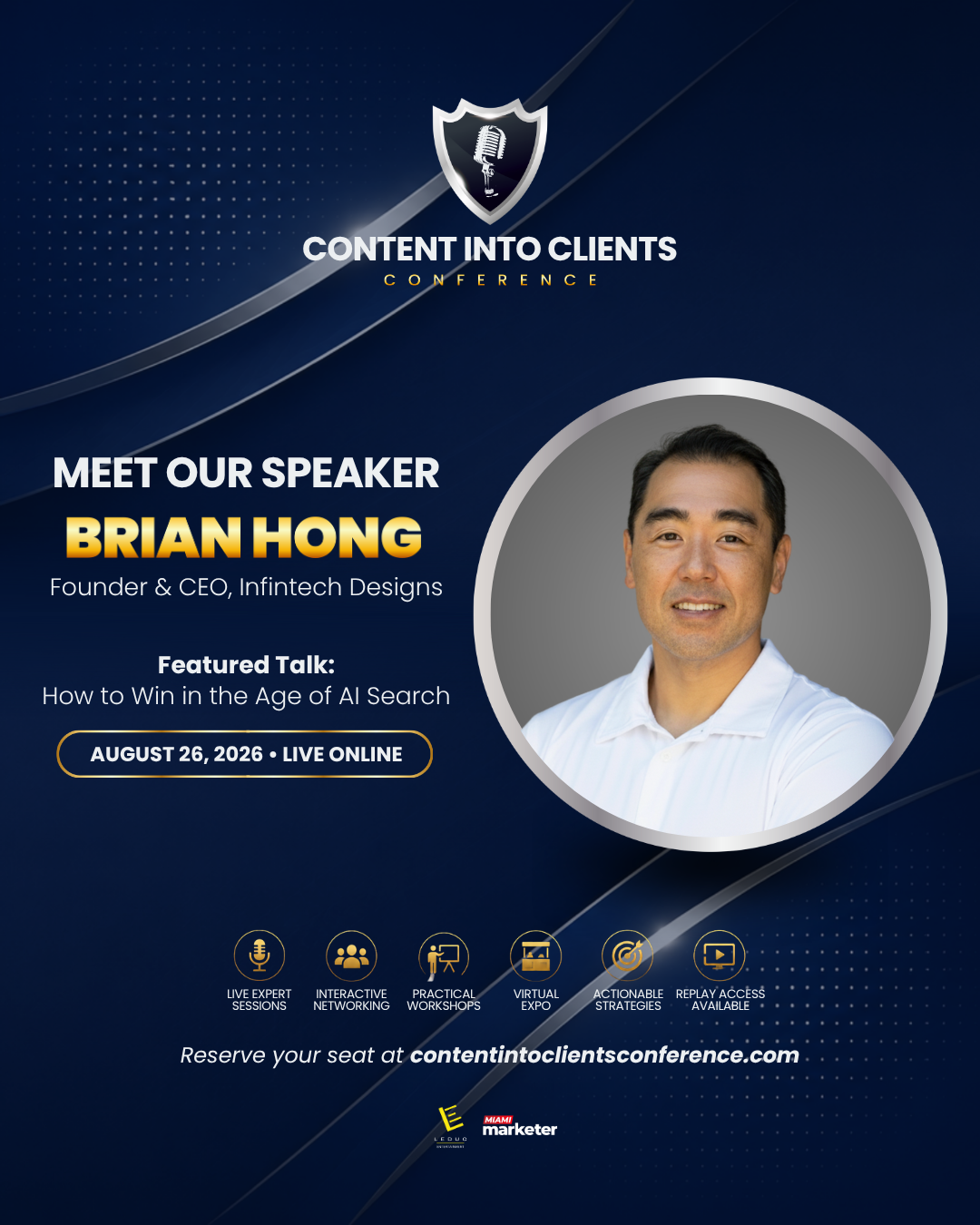
Approved 1080 × 1350 social media graphic.
Download PNG
Approved 1080 × 1350 social media graphic.
Download PNG
Approved 1080 × 1350 social media graphic.
Download PNG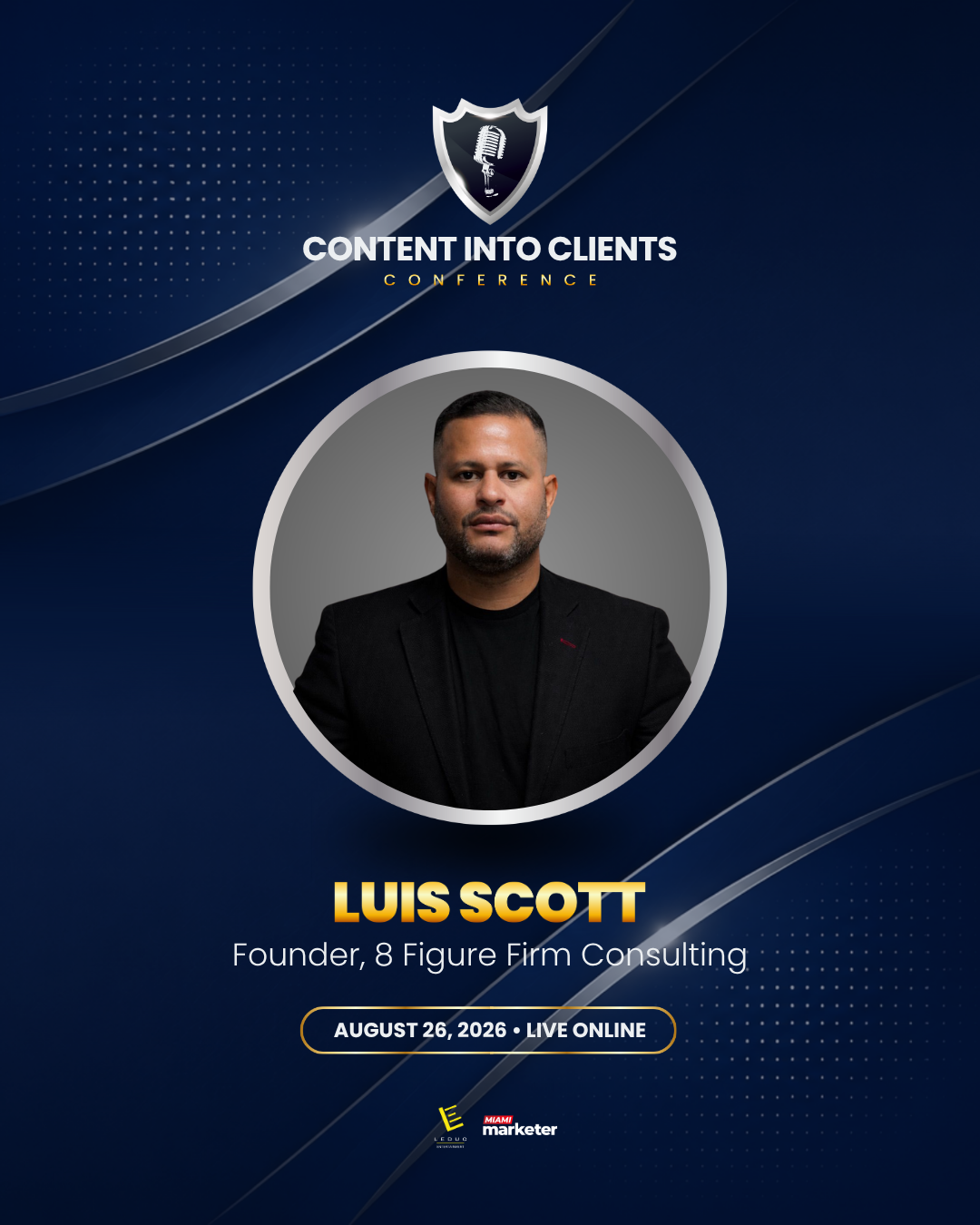
Approved 1080 × 1350 social media graphic.
Download PNG
Approved 1080 × 1350 social media graphic.
Download PNG
Approved 1080 × 1350 social media graphic.
Download PNG
Approved 1080 × 1350 social media graphic.
Download PNGRegistration Control
Each unique signup reserves one active seat. When inventory reaches zero, new signups automatically join the waitlist.
See how the Leduc list, speakers, and expo vendors are driving verified registrations. The goal is 1,000 verified signups overall.
Main CRM push from Armando's audience.
Speaker invite links, milestones, and leaderboard.
Booth-only partners driving registrations.
Daily volume, including how many registrations completed OTP verification.
Hourly signup activity so the team can see when registrations are coming in.
Full registration list with source, verification status, contact details, and signup time.
Verified signups will appear here once referral data comes in.
0Speakers and vendors with low activity will appear here.
0Last 7 Days
All Portal Roles
Ask the event team for help with your profile, talk, booth, or invite link.
Attendee Experience
This is the expanded booth layout attendees will experience during the event.
When attendees ask to share audio or video, moderators can bring them into the conversation.
Want To Be A Speaker?
Send your topic and the team will review fit.